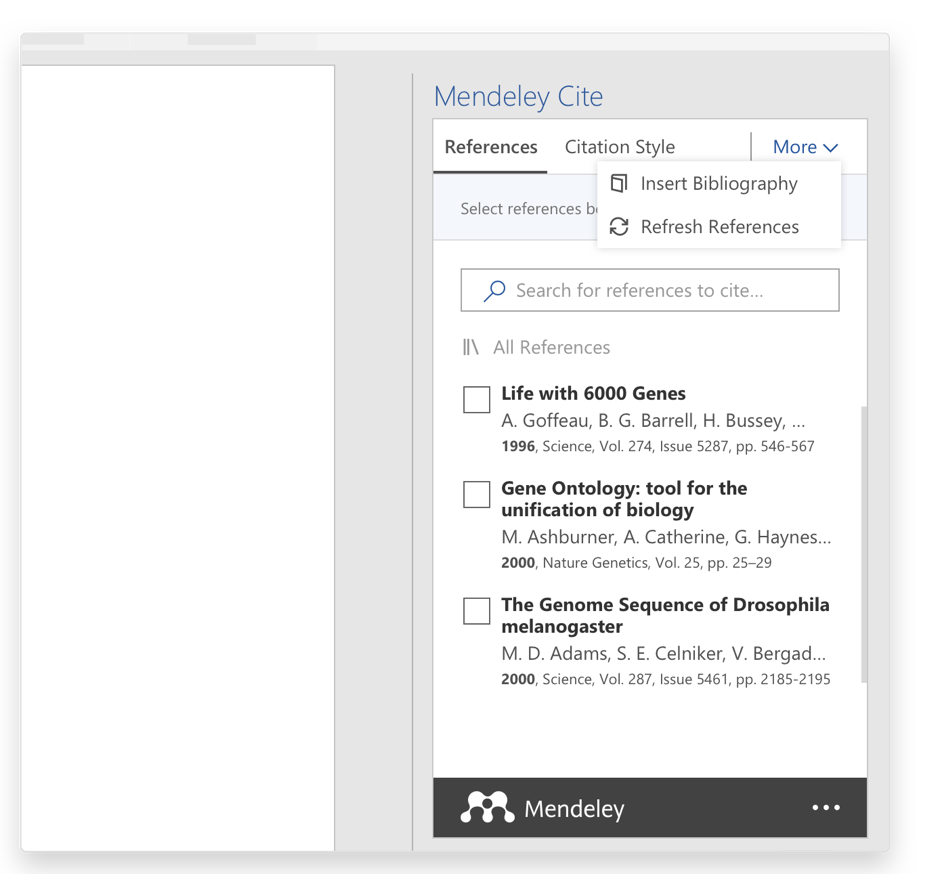
Select the 'More' menu in the Mendeley Cite add-in window and select the ‘Refresh References' button in the drop down menu.
Mendeley Cite will update all references in your document, as well as the bibliography, with any changes you have made in your library. You can also use this function to update the bibliography if you have deleted citations within the document having already inserted a bibliography.